
When someone searches for "dermatologist near me" or "physiotherapy clinic in Saket", the first thing they usually see is a map with three clinics on it. Those results come from Google Business Profile. For many clinics, it brings in more new patients than the website does.
The good news is that it is free, and most clinics leave a lot of it unused. Here is a checklist you can work through in an afternoon.
The basics
- Claim and verify your profile. If you have not done this, search for your clinic on Google Maps and choose "Claim this business".
- Use your real name. Use the name on your signboard. Adding keywords like "Best Skin Clinic Delhi" to the name breaks Google’s rules and can get your profile suspended.
- Pick the right primary category. Choose the most specific one, such as "Dermatologist" or "Physiotherapy Center", rather than a general "Medical Clinic".
- Add secondary categories for other services you genuinely offer.
- Check your address and map pin. A wrong pin sends patients to the wrong building.
- Set accurate hours, including holiday hours. Patients who arrive to a closed door rarely come back.
Make it useful
- Write a clear description. Say who you help, what you treat and where you are. Avoid claims like "best" or "guaranteed".
- List your services. Each service is another way for the right patient to find you.
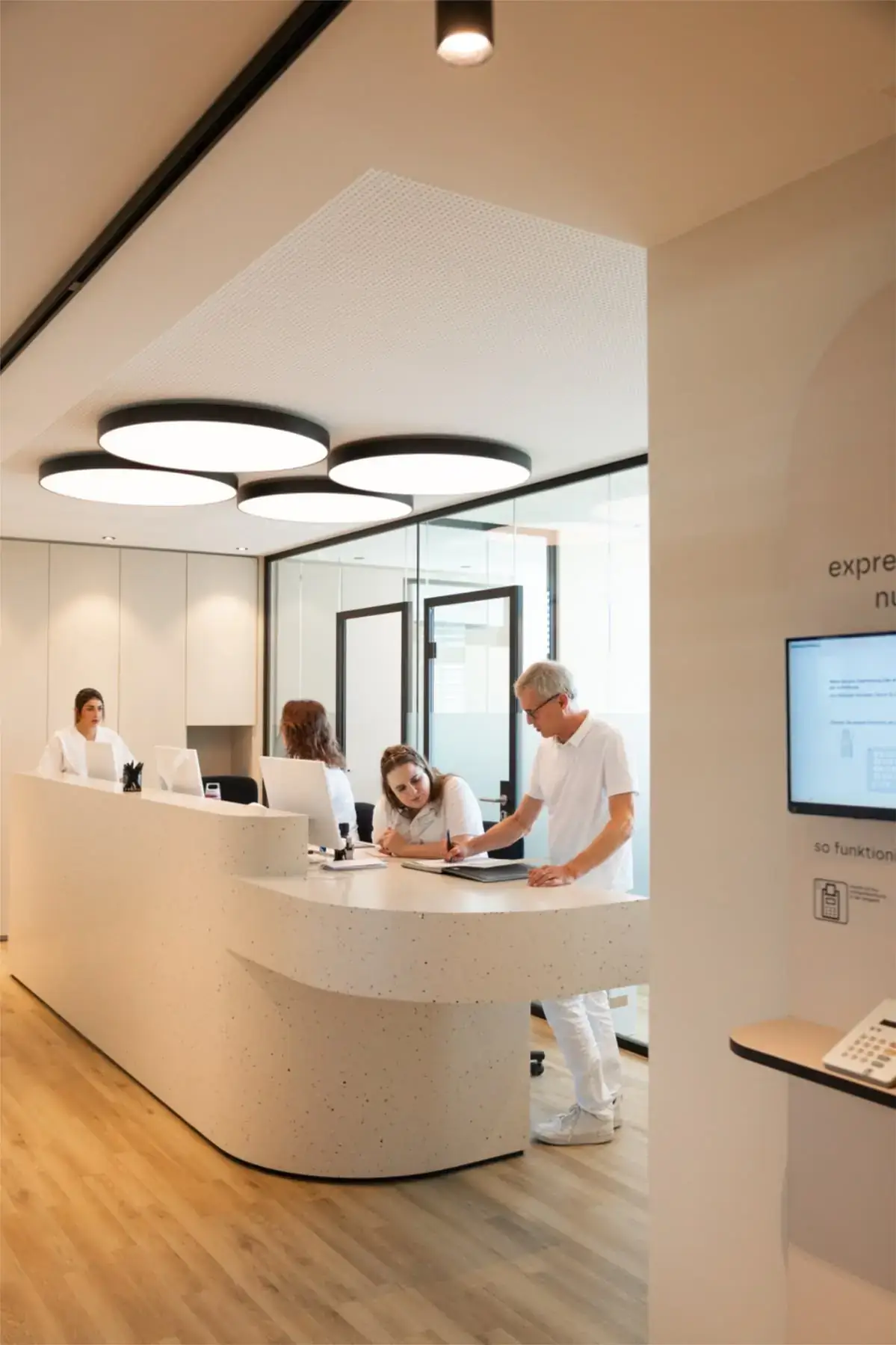
- Add real photos. Show the entrance, reception, consultation rooms and team. Patients want to know what to expect when they walk in.
- Add a booking link or phone number that someone actually answers.
- Fill in the questions and answers section with the questions your front desk hears every day, such as parking, payment and whether you see walk-in patients.
Reviews
Reviews affect both your ranking and whether patients choose you, as we cover in what patients check before booking.
- Ask every satisfied patient, at the right moment, usually after a good outcome.
- Make it easy. Share a direct review link by WhatsApp.
- Reply to every review, politely and briefly. Never share medical details in a reply, even if the patient did.
- Never buy or write reviews. Google removes them, and it can damage trust permanently.
Keep it active
- Post an update every week or two: a new service, a health tip, a holiday timing change.
- Add new photos every month.
- Check your profile for edits suggested by the public, which sometimes change your details without you noticing.
A worked example
A dental clinic in South Delhi has 40 reviews, no photos of the inside and the general category "Dental Clinic". Over two months it adds services like "root canal treatment" and "dental implants", uploads photos of each room, starts asking every patient for a review, and replies to all of them. Calls from the profile, which you can see in its performance report, are the number to watch. If calls go up, the work is paying off.
Quick answers
Can I have one profile for each doctor? Google allows individual practitioner profiles in some cases, alongside the clinic profile. Check Google’s current guidelines before creating them, so the profiles do not compete with each other.
Why did my profile disappear from the map? Common reasons are a suspended profile, a changed address, keywords added to the business name or a sudden drop in reviews. Check for messages from Google in your profile first.
How many photos should we add? There is no fixed number. Start with the entrance, reception, each consultation room and the team, then add a few new ones every month.
Do posts on the profile help? They keep your profile looking active and give patients useful updates. Treat them as a way to inform patients, not as an advertising channel.
The takeaway
Your Google Business Profile is often a patient’s first impression. Get the basics right, make it useful, collect honest reviews and keep it active. It costs nothing but time, and it compounds.
Want help with local search? See our SEO and AI search service and our healthcare marketing in South Delhi page.